Digital SAT Math: Modules, Scoring, and Calculator Rules Explained
The Digital SAT Math section isn't one long worksheet — it's two timed modules, and what happens in the first one changes what you see in the second. Try 25 free Digital SAT Math practice questions — no email required — then read on for exactly how the modules, scoring and calculator rules work, straight from College Board's own pages, plus two worked examples in the style of CertPath Publishing's Digital SAT Math Prep.
A lot of what circulates online about the Digital SAT — "you need to ace Module 1 or you're capped," "there's a secret no-calculator portion," "wrong answers inside a module get locked in instantly" — ranges from outdated to simply wrong. The sections below stick to what College Board states on its own SAT Suite and Bluebook help pages, with a link to each source so you can check it yourself.
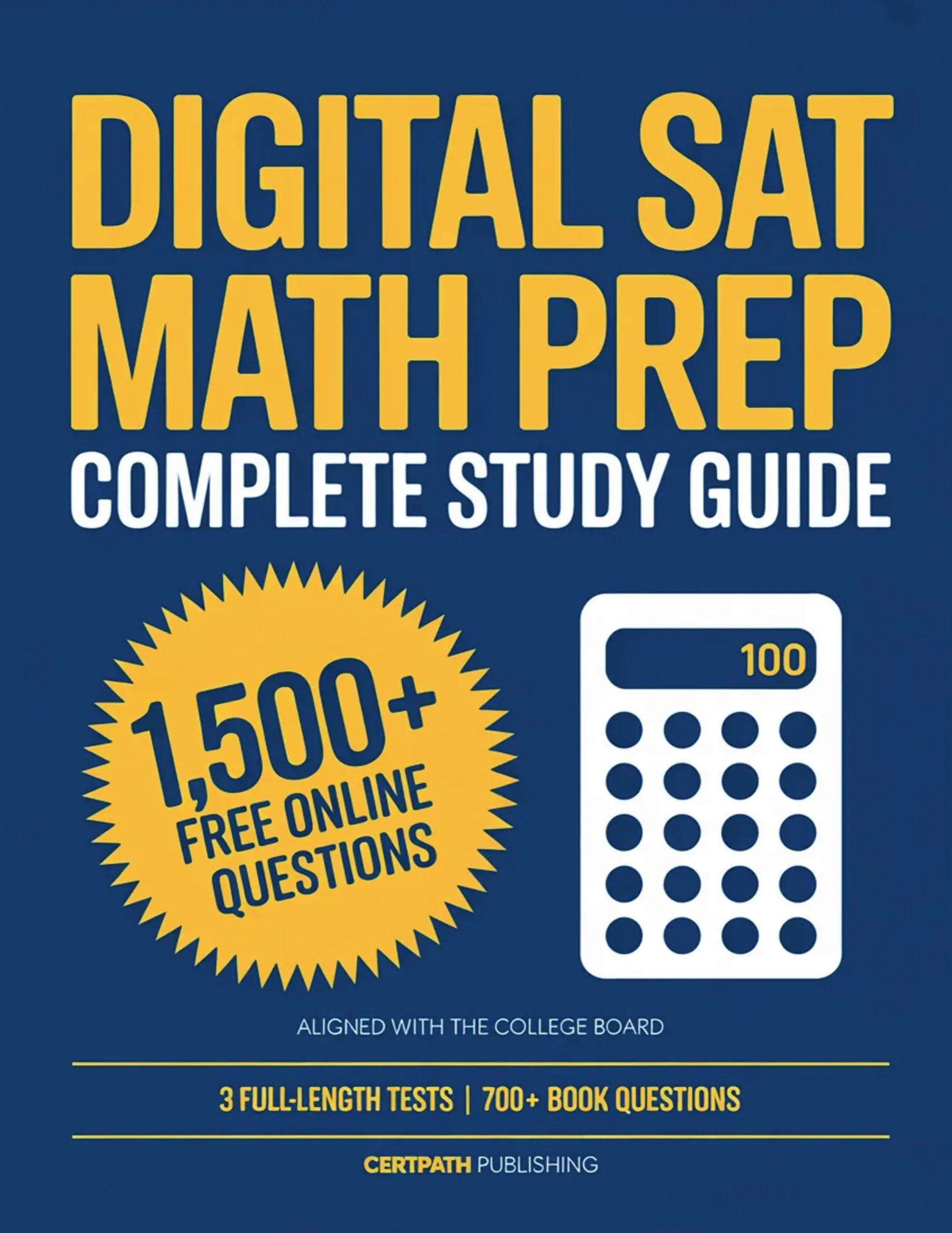
Featured book: Digital SAT Math Prep
CertPath Publishing's Digital SAT Math Prep walks through Algebra, Advanced Math, Problem-Solving and Data Analysis, and Geometry and Trigonometry the way the real adaptive test asks them, with worked explanations and full-length practice tests built to the current two-module format.
Buy on Amazon →Two sections, four modules, one adaptive idea
The full Digital SAT has 98 questions across 2 hours and 14 minutes of testing time, split into a Reading and Writing section and a Math section, with a 10-minute break in between, according to College Board's own breakdown of how the SAT is structured. Reading and Writing runs two 32-minute modules for 64 minutes total. Math runs two 35-minute modules for 70 minutes total, with 44 scored questions across the two Math modules combined.
Every section on the Digital SAT uses the same two-stage design: Module 1 of a section has a broad mix of easy, medium and hard questions. How you perform on that first module decides whether Module 2 draws from a harder or easier version of the test. This is called multistage adaptive testing — the test adapts once, between modules, not question by question in real time.
What's actually inside the two Math modules
College Board's Math section overview breaks the 44 questions into four content domains, and every domain shows up in both modules:
- Algebra — 13 to 15 questions. Linear equations, systems of equations, and linear inequalities, often set up from a word problem rather than handed to you pre-solved.
- Advanced Math — 13 to 15 questions. Quadratics, exponential expressions, polynomials, and nonlinear functions.
- Problem-Solving and Data Analysis — 5 to 7 questions. Ratios, percentages, unit conversions, and reading or reasoning from tables, scatterplots and two-way data.
- Geometry and Trigonometry — 5 to 7 questions. Area, volume, lines and angles, circles, and right-triangle trigonometry.
Add up the top of each range — 15 + 15 + 7 + 7 — and you land on exactly 44, which matches the total College Board states for the section. In practice, that means Algebra and Advanced Math alone make up roughly two-thirds of your Math score, so a study plan that spends most of its time there is matching how the test is actually weighted, not just guessing. College Board also notes that about 30 percent of Math questions are set in a real-world context — a job, a science experiment, a budget — rather than as a bare equation.
How the adaptive routing actually works
Inside a module, you can move between questions, skip one and come back to it, or change an answer as many times as you want, right up until that module's clock runs out. What you can't do is go backward once you move on. Per College Board's Bluebook timing help page, once you advance from Module 1 to Module 2 of a section, Module 1 is locked — there is no returning to it, and the same rule applies when you move from the Reading and Writing section into Math.
College Board does not publish the exact score thresholds that trigger the harder or easier Module 2, and CertPath isn't going to invent one. What is confirmed is the general mechanism: stronger Module 1 performance routes you into a Module 2 with a higher ceiling on the score you can ultimately reach for that section, and weaker Module 1 performance routes you into an easier Module 2 with a lower ceiling. Treat every question in Module 1 as worth full effort — there's no "easy module" you can coast through and make up for later.
Two worked examples, in the style of the real test
These are original examples written to match the content and context style of the two highest-weighted and most data-heavy domains — they are not taken from any CertPath question bank, and the arithmetic below has been checked twice.
Example 1 — Algebra, set up from a real-world context
A rideshare app charges a $2.50 base fee plus $1.75 per mile. A completed trip costs $16.50 total. How many miles was the trip?
Set up the equation from the context: 2.50 + 1.75m = 16.50, where m is the number of miles. Subtract the base fee from both sides: 1.75m = 14.00. Divide: m = 14.00 ÷ 1.75 = 8. The trip was 8 miles. Checking it: 1.75 × 8 = 14.00, and 14.00 + 2.50 = 16.50, which matches.
Why this is a typical Algebra question: the test rarely hands you "solve for m" directly — it hands you a situation and expects you to translate it into an equation first. The actual algebra step, once set up, is usually just one or two moves.
Example 2 — Problem-Solving and Data Analysis, a two-step ratio
A survey of 240 students found that 35 percent plan to major in a STEM field. Of those STEM-bound students, 2/7 plan to study engineering specifically. How many of the 240 students plan to study engineering?
First find the STEM-bound group: 240 × 0.35 = 84 students. Then take 2/7 of that group: 84 × 2/7 = 168/7 = 24. So 24 students plan to study engineering. Checking it: 84 ÷ 7 = 12, and 12 × 2 = 24, which matches.
Why this is a typical Problem-Solving and Data Analysis question: it chains two separate operations — a percent of a whole, then a fraction of that result — and the most common error is applying the 2/7 to all 240 students instead of to the 84 who are already STEM-bound.
Calculator rules for the Math section
Per College Board's calculator use page, a calculator is optional but allowed throughout the entire Math section — there is no calculator-free portion on the Digital SAT. You have two options, and you can mix them:
- The built-in Desmos calculator inside the Bluebook testing app, which switches between scientific and graphing modes at any time during the Math section.
- Your own approved handheld calculator, as long as it does not have computer algebra system (CAS) functionality. Devices with CAS, QWERTY keyboards, wireless or Bluetooth connectivity, cameras, or pen/touchscreen input are prohibited, as are phone calculator apps, tablets and laptops.
If your personal calculator fails during the test and you have no backup, the built-in Desmos calculator is still available in Bluebook, so you are never without one.
How the Math score is scaled
Per College Board's own Understanding SAT Scores guide, your Math section score is reported on a 200 to 800 scale, and it's added to your Reading and Writing section score (also 200 to 800) for a total score between 400 and 1600. The raw number of questions you answer correctly is converted to that scaled score, a process College Board says adjusts for small difficulty differences between different test forms — which is also why two students who got a different number of raw questions right on different test dates can land on the same scaled score.
Try 25 tough Digital SAT Math questions free
No email, no signup. Full explanations after every answer.
FAQ
Where can I find free Digital SAT Math practice questions?
CertPath Publishing has 25 free Digital SAT Math practice questions at certpathpublishing.store/sample?book=sat-math. No email or signup is required, and you get a full explanation after every answer.
Is a calculator allowed on the whole Digital SAT Math section?
Yes. Per College Board, calculator use is allowed throughout the entire Math section. You can use the Desmos calculator built into the Bluebook app, in either scientific or graphing mode, or bring your own approved calculator as long as it has no computer algebra system (CAS) functions.
Does missing questions early in Module 1 hurt my score?
Your Module 1 performance decides whether Module 2 draws from a harder or easier question pool, but College Board does not publish a question-by-question scoring formula or a specific score cutoff tied to that routing. Within a module, you can review and change any answer freely until time runs out.
What are the four content domains on Digital SAT Math?
Algebra and Advanced Math each contribute 13-15 questions, and Problem-Solving and Data Analysis and Geometry and Trigonometry each contribute 5-7 questions, for 44 scored questions total. Every domain appears in both modules, and College Board says about 30 percent of questions are set in a real-world context.
Can I go back to Module 1 questions after I move on to Module 2?
No. Per College Board's Bluebook help center, you can move freely between questions inside a module or section while the clock is running, but once you advance to the next module you cannot return to the previous one.
CertPath Publishing is an independent publisher and is not affiliated with or endorsed by College Board. See the Digital SAT Math exam page for the full prep lineup, or buy Digital SAT Math Prep on Amazon. If you're prepping for a different exam, CertPath has free practice for other exams here.
— The CertPath Publishing Team